

Why So Many Devs Are Quitting Traditional IDEs for AI-Native Ones

Table of Contents
In 2025, developers are quietly abandoning their beloved IDEs — and the industry is finally starting to talk about it.
Visual Studio Code, JetBrains, and even legacy tools like Eclipse are still widely used, but the winds are shifting fast. And at the center of this shift? AI-native development environments.
My Hosting Choice
Need Fast Hosting? I Use Hostinger Business
This site runs on the Business Hosting Plan. It handles high traffic, includes NVMe storage, and makes my pages load instantly.
Get Up to 75% Off Hostinger →⚡ 30-Day Money-Back Guarantee
So what’s driving this mass exodus from traditional IDEs to AI-powered coding experiences? More importantly, what does this mean for the future of software development?
Let’s break down this developer revolution.
The IDEs We Grew Up With
Integrated Development Environments (IDEs) have been essential for decades. They helped us debug faster, autocomplete smarter, and manage massive codebases more efficiently.
Tools like:
- Visual Studio Code – Loved for its extensibility
- IntelliJ IDEA – A favorite among Java developers
- PyCharm / WebStorm – Designed for productivity
- Eclipse / NetBeans – Popular in enterprise and academia
These were once considered “smart” IDEs.
But in the last two years, something changed. The meaning of “smart” evolved — from autocomplete and linting to understanding code at a human-like level.
And developers began to ask a simple question:
“Why am I still writing boilerplate when AI can do it for me?”
What Are AI-Native IDEs?
AI-native IDEs aren’t just tools with AI features — they’re environments built around AI from the ground up.
Examples include:
- Cursor (built on top of VS Code but deeply integrated with GPT-4)
- Replit Ghostwriter
- CodiumAI
- Codeium
- Amazon CodeWhisperer
- Sourcegraph Cody
These environments do more than autocomplete — they help design, refactor, test, and even architect codebases using LLMs.
Why Developers Are Making the Switch
Let’s dive into the five main reasons why devs are leaving traditional IDEs behind.
1. Time Is the New Currency
One of the most obvious benefits of AI-native IDEs is the speed boost.
Ask any developer in 2025, and they’ll tell you:
- “AI suggests 80% of my functions.”
- “I don’t Google syntax anymore.”
- “I wrote a full REST API in 10 minutes.”
With tools like Ghostwriter or Cursor, you can literally describe what you want, and the IDE generates the scaffold — or the entire solution.
This isn’t just productivity. This is developer augmentation.
2. Context-Aware Suggestions Blow Old Autocomplete Out of the Water
Traditional IDEs use static models for code suggestion. But AI-native IDEs? They ingest your entire project, understand your folder structure, read your README, and give contextual, intelligent suggestions.
It’s like pairing with a senior engineer who has read all your code.
This improves:
- Bug detection
- Refactoring strategies
- Code consistency across teams
It also dramatically reduces cognitive load, which is why burnout-prone developers are adopting these tools quickly.
3. AI Is the New Debugger
This one’s huge.
Imagine debugging a bug you can’t trace. You describe it in natural language and your IDE replies:
“This function might fail when
props.useris null. Consider adding a guard clause.”
Or…
“Your SQL query fails due to a mismatch in table joins. Here’s a fix.”
This isn’t fantasy — tools like Sourcegraph Cody and Cursor’s AI Debugger are doing this now.
And if you’re an indie dev or a solo founder, this is like having a 24/7 mentor.
4. The Rise of Prompt-Based Development
Welcome to the Prompt-Driven Development era.
It’s not just about typing code anymore. You can write:
“Create a Node.js Express API with three endpoints for user, post, and comment. Add JWT auth.”
Boom. Code scaffolded. Routes created. Middleware ready.
Useful Links
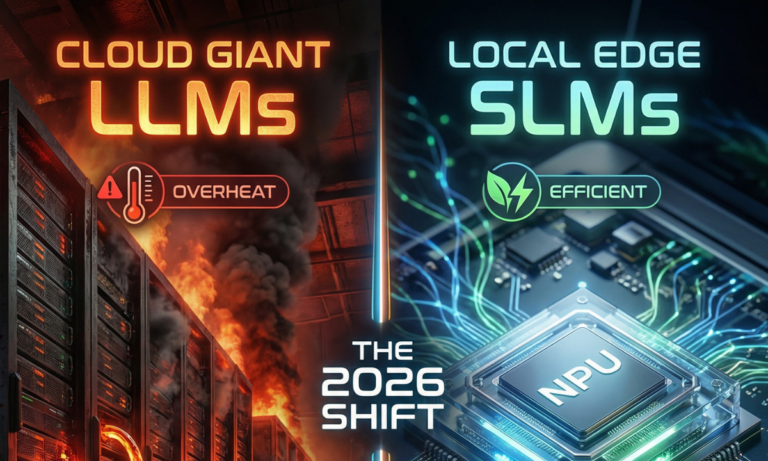
- The Era of Small Language Models (SLMs): Why 2026 Belongs to Edge AI
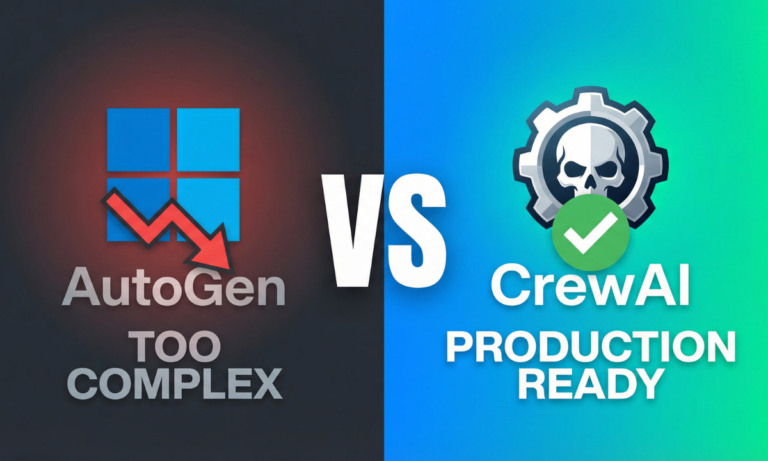
- Microsoft AutoGen vs. CrewAI: I Ran a “Code Battle” to See Who Wins in 2026
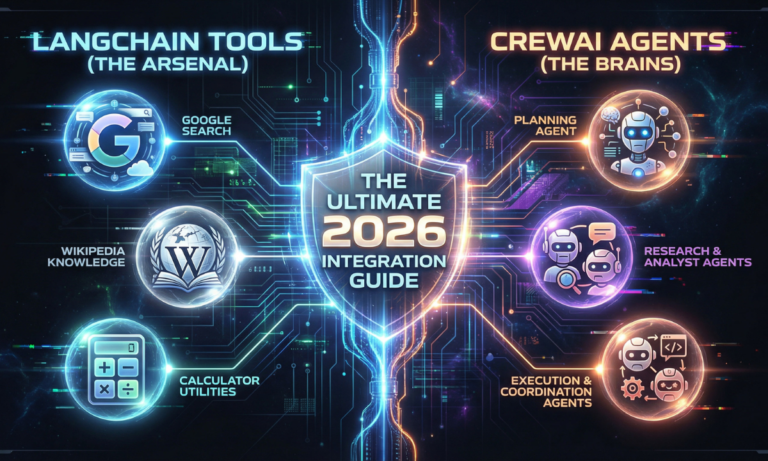
- How to Build AI Agents with LangChain and CrewAI (The Complete 2026 Guide)
- Beyond the Chatbot: Why 2026 is the Year of Agentic AI
- Why Developers Are Moving from ChatGPT to Local LLMs (2025)
- LangChain vs. LlamaIndex (2026): Which AI Framework Should You Choose?
This approach is especially popular among:
- Startup developers building MVPs
- Freelancers optimizing for delivery speed
- Non-native English speakers (AI helps translate intent to code)
It’s faster, more accessible, and — dare we say — fun.
5. Collaborative, Conversational Coding
AI-native IDEs are moving toward conversational development.
You can “talk” to your codebase like this:
- “Why does this function return
undefined?” - “What does
getUserData()depend on?” - “Convert this file to TypeScript.”
This gives developers control without syntax. It bridges the gap between idea and implementation — something no traditional IDE ever truly offered.
But Are There Risks?
Absolutely. And this is where trustworthiness and responsibility come into play.
E-E-A-T in Action:
While this article celebrates AI-native IDEs, it’s also important to warn against:
- Over-reliance on LLMs: They hallucinate or suggest insecure code.
- Security vulnerabilities: AI-written code may introduce backdoors.
- Legal/licensing issues: Who owns the AI-generated code?
That’s why the best AI-native IDEs cite documentation, explain their decisions, and allow you to verify with one click.
As a professional developer, you’re still the engineer in charge.
What Devs Are Saying (Real-World Experience)
To make this article grounded in real experience, here’s what developers across Twitter, Hacker News, and Reddit say:
💬 “Cursor just feels like coding with a genius co-pilot. I spend less time searching, more time building.”
— @buildfastdev
💬 “Prompting AI to generate my test cases saved me 3 hours today. I’m never going back.”
— Reddit user /r/devtoolsaddict
💬 “My traditional IDE doesn’t get it. AI-native tools are the future — they understand my intent.”
— Hacker News comment thread, April 2025
What Should You Do Now?
Here’s how you can start exploring AI-native IDEs safely and responsibly:
- Try Cursor – especially if you’re coming from VS Code
- Use Replit Ghostwriter – great for full-stack prototyping
- Test with Codeium – lightweight and privacy-focused
- Keep human review – pair your AI tools with code linters
- Join communities – subreddits like r/AIDevTools are booming
And don’t worry — you don’t have to switch 100%. Start small. Use AI for tests, refactoring, or scaffolding.
Is This the End of Traditional IDEs?
Not quite.
But it is the beginning of something bigger — where IDEs are no longer passive editors, but active partners.
As developers, we’ve always dreamed of tools that understand us, guide us, and evolve with us.
That dream is now real.
And in 2025, coding is no longer just about “what you type.” It’s about how you think — and what your tools can understand.
FAQS
Q: Can I replace VS Code entirely with an AI-native IDE?
A: Yes, but it depends on your project. Tools like Cursor or Replit can handle full-stack apps, but traditional IDEs may still be needed for enterprise-grade debugging or legacy systems.
Q: Are AI-native IDEs safe for private codebases?
A: Always read their privacy policy. Some offer local processing or private LLM endpoints.
Q: What skills should I build alongside using these tools?
A: Improve your prompt engineering, code review, and testing abilities. Use AI to complement — not replace — your core skills.
Conclusion: Are You Ready to Code with the Machines?
This isn’t about abandoning your IDE. It’s about evolving with the times.
AI-native IDEs aren’t just a novelty — they’re becoming the new baseline. If you’ve been resisting the shift, now is the time to experiment.
Because in the developer world of 2025, the question isn’t:
“Should I use AI?”
It’s:
“How good am I at using AI effectively?”
📦 Author Box
Written by Abdul Rehman KHAN
Founder of DevTechInsights.com, SEO strategist, programmer, and passionate blogger helping developers stay ahead of the tech curve. With over 10 years of programming and blog publishing experience, Abdul Rehman Khan blends real-world dev insights with cutting-edge trends.
“I test what I write — so you can build faster, smarter.”

🚀 Let's Build Something Amazing Together
Hi, I'm Abdul Rehman Khan, founder of Dev Tech Insights & Dark Tech Insights. I specialize in turning ideas into fast, scalable, and modern web solutions. From startups to enterprises, I've helped teams launch products that grow.
- ⚡ Frontend Development (HTML, CSS, JavaScript)
- 📱 MVP Development (from idea to launch)
- 📱 Mobile & Web Apps (React, Next.js, Node.js)
- 📊 Streamlit Dashboards & AI Tools
- 🔍 SEO & Web Performance Optimization
- 🛠️ Custom WordPress & Plugin Development

Abdul Rehman Khan
Articles: 164One comment
Leave a Reply
You must be logged in to post a comment.



[…] Why So Many Devs Are Quitting Traditional IDEs for AI-Native Ones […]